


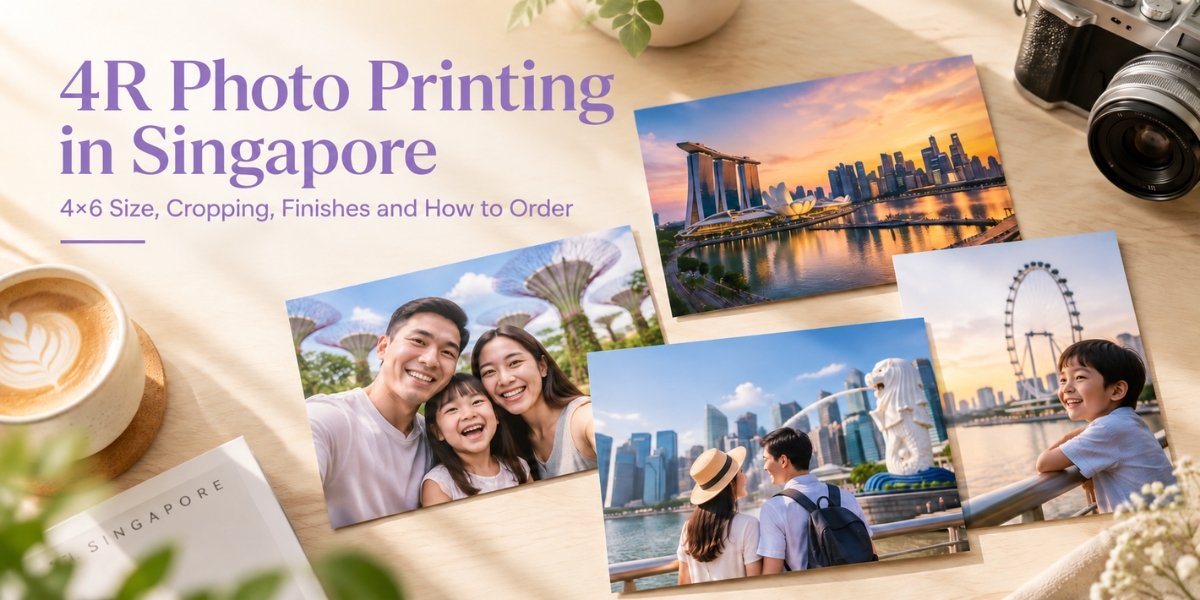


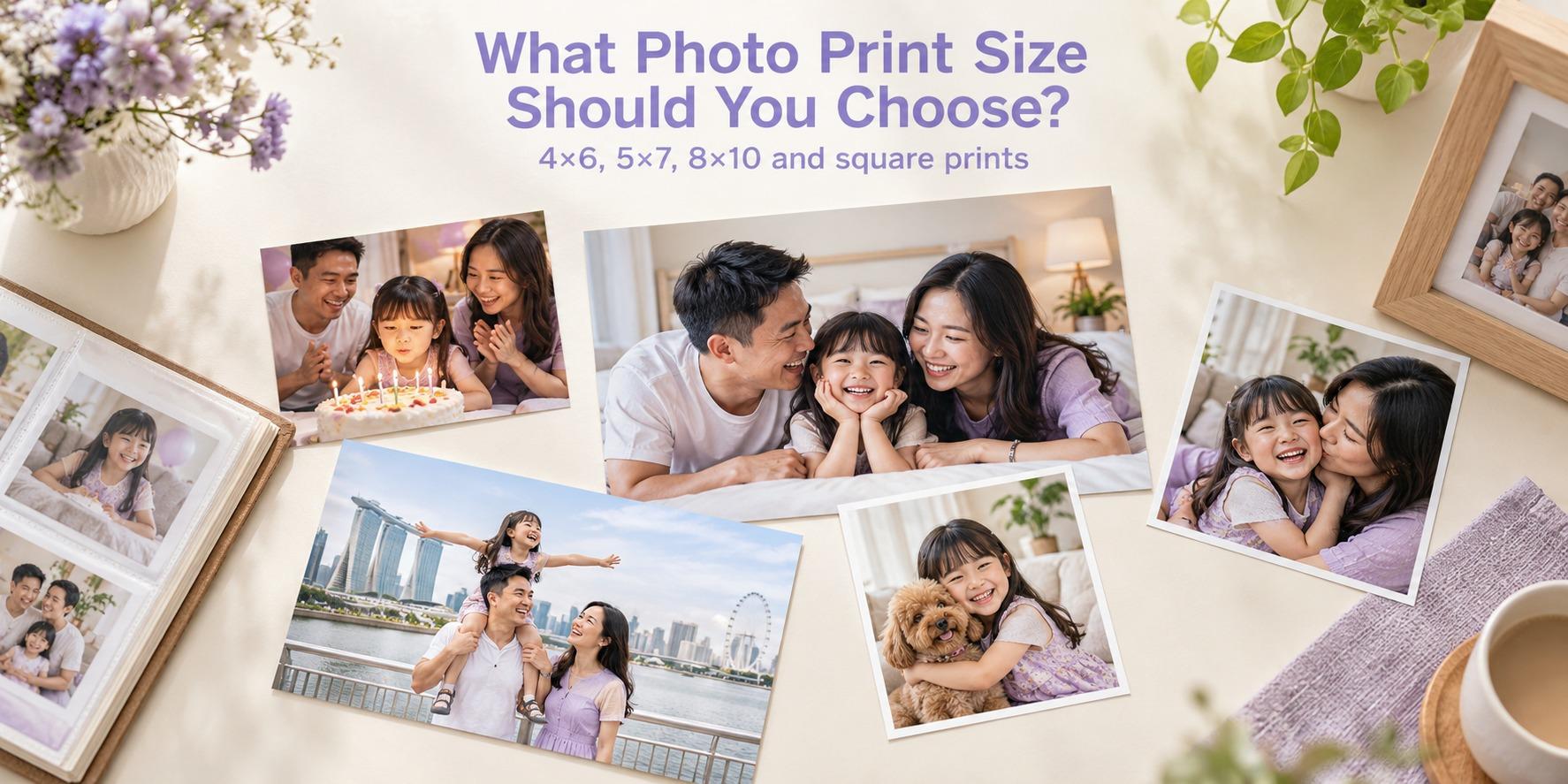
A 4R photo measures 4 × 6 inches, or 10.16 × 15.24 cm. It is a practical choice for family albums, small photo frames and travel scrapbooks. Before ordering, check three things: whether the photo fits the 4R shape, whether the file has enough detail, and which paper finish suits your display.
This guide explains how to prepare your photos, avoid unwanted cropping and order 4R prints online. If you are still comparing formats, explore Photojaanic’s photo printing options in Singapore.
What is 4R photo size?
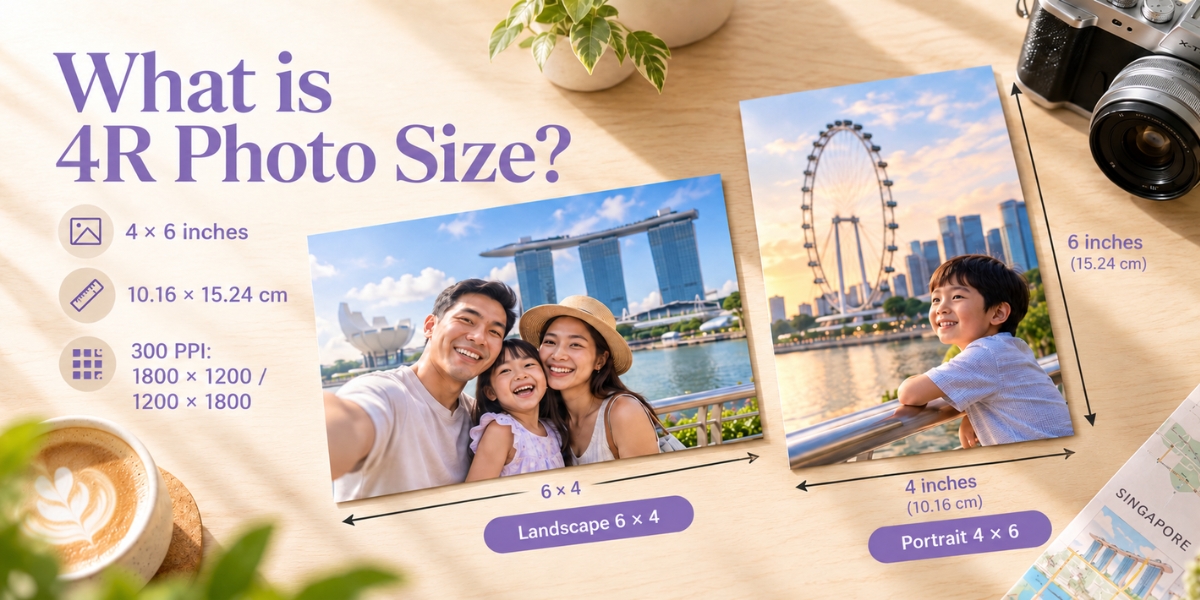
4R is another name for a 4 × 6-inch photo print. Turning it from landscape to portrait changes its orientation, not its size.
| Measurement | Landscape 4R | Portrait 4R |
|---|---|---|
| Inches | 6 wide × 4 high | 4 wide × 6 high |
| Centimetres | 15.24 wide × 10.16 high | 10.16 wide × 15.24 high |
| Millimetres | 152.4 wide × 101.6 high | 101.6 wide × 152.4 high |
| Aspect ratio | 3:2 | 2:3 |
| Pixels at 300 PPI | 1800 × 1200 | 1200 × 1800 |
You may also see the dimensions rounded to 10 × 15 cm. When fitting a frame or album pocket, use the actual dimensions and check the space available. A frame’s outer dimensions do not tell you the size of its photo opening.
Is 4R the same as 4×6?
Yes. For photo printing, 4R and 4×6 refer to the same nominal print size. On Photojaanic’s Photo Prints page, select the 4×6 option.
4R describes the physical size. It does not specify the paper finish, the number of copies or whether your picture needs cropping.
Why does a photo get cropped when printed at 4R?
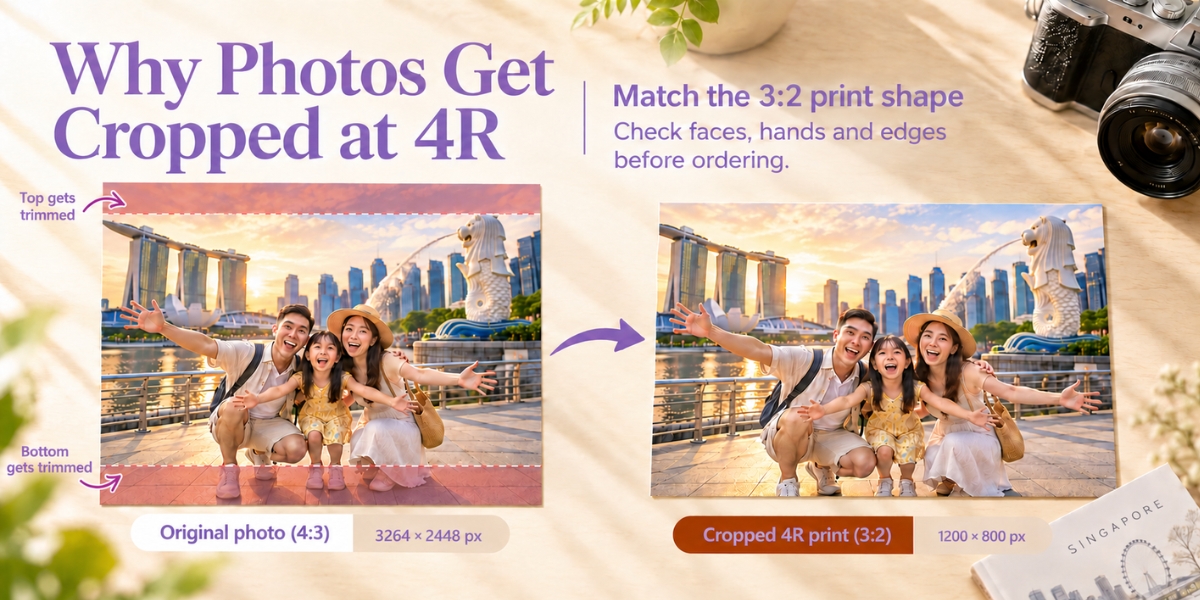
A landscape 4R print has a 3:2 shape. If your original photo has a different shape, filling the whole print means some of the image must be removed. This is an aspect-ratio mismatch, even when the file is sharp and high resolution.
For example, a 4032 × 3024-pixel landscape photo has a 4:3 ratio. Cropping it to 3:2 while retaining its full width produces a 4032 × 2688-pixel image. That removes 336 pixels of height. A centred crop would remove 168 pixels from the top and 168 from the bottom.
That may cut into someone’s hair, feet or a landmark near the edge. The same problem can happen with a group photo if the chosen crop is zoomed in too far.
| Original photo shape | What happens when it fills a landscape 4R print? | What to check |
|---|---|---|
| 3:2 landscape | The aspect ratios match | Position and any edge trimming |
| 4:3 landscape | Some height is removed | Heads, feet and the horizon |
| 1:1 square | Some height is removed | Details near the top and bottom |
| 16:9 landscape | Some width is removed | People near the left and right edges |
Portrait prints use the corresponding 2:3 ratio. Review portrait photos separately rather than applying one landscape crop to every image.
How to crop a photo for a 4×6 print
1. Open the original photo. Use the file from your camera or phone gallery rather than a screenshot or a compressed social-media download.
2. Choose the correct ratio. Select 3:2 for landscape or 2:3 for portrait in your photo editor. Some editors show both orientations under a single 3:2 option.
3. Position the important details. Move the crop so faces, hands and the main subject remain visible. Keep important details slightly inside the edges to allow for trimming or a frame overlap.
4. Save a separate copy. Preserve the original in case you want a different print size later.
5. Check the ordering preview. Review each photo’s crop and orientation before confirming your order.
For a family photo, prioritise keeping everyone in the frame. For a travel photo, check both the people and the landmark. For a baby portrait, watch the space around the head and hands.
Can I keep the whole photo without cropping?
You can preserve the full image by fitting it inside a 4×6 canvas with blank space around it. The picture area will then be smaller than the paper. Check whether the ordering tool supports the layout you want; ask customer care before ordering if you cannot see that option.
Another choice is a format that matches your photo’s shape. If you want to keep a square composition, compare square photo prints. A square photo cannot fill a rectangular 4R print, remain uncropped and keep its proportions all at once.
Avoid stretching a picture to force it into 4×6 dimensions. Faces and objects can look distorted.
What resolution is best for a 4R photo?
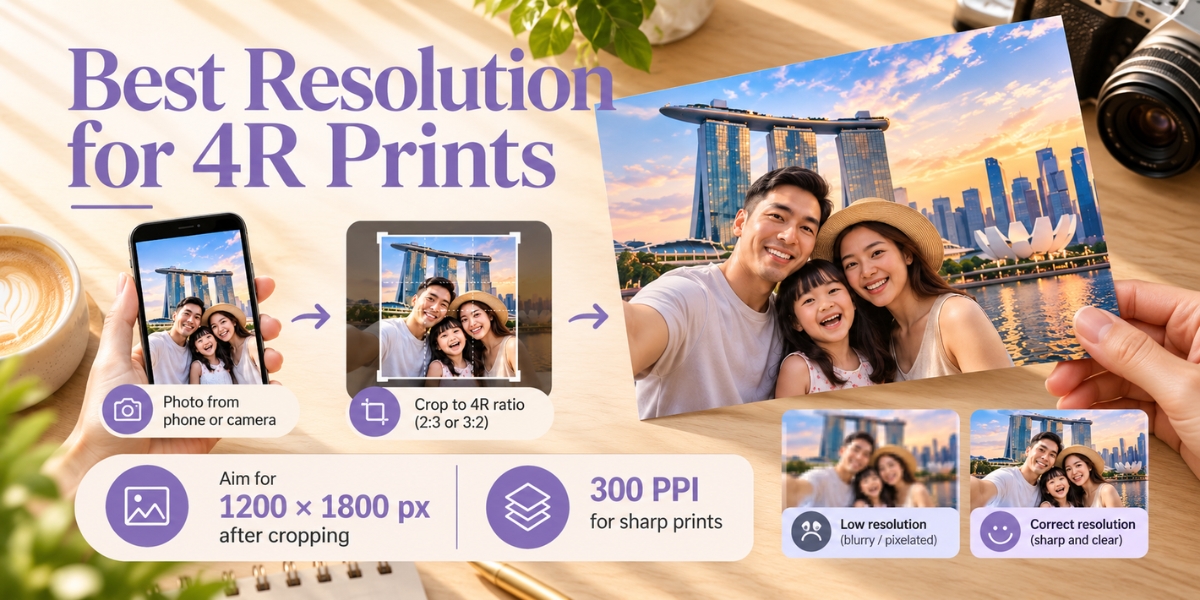
A useful target is 1200 × 1800 pixels after cropping, or 1800 × 1200 for landscape. This provides 300 pixels per inch across a 4×6 print. Adobe identifies 300 PPI as a standard for high-quality prints viewed up close.
Treat this as a quality target. A lower-resolution image may still be usable, but fine details can look softer.
Check the image itself as well as its pixel count. A large file can still contain motion blur, missed focus or heavy compression. Changing a resolution label to “300” does not restore missing detail.
Before uploading:
Request the original file if someone sent you a compressed copy.
Check the remaining pixel dimensions after cropping.
Avoid enlarging a small screenshot simply to reach the target dimensions.
Inspect faces and important details at a sensible zoom level.
Which finish should I choose for 4R prints?
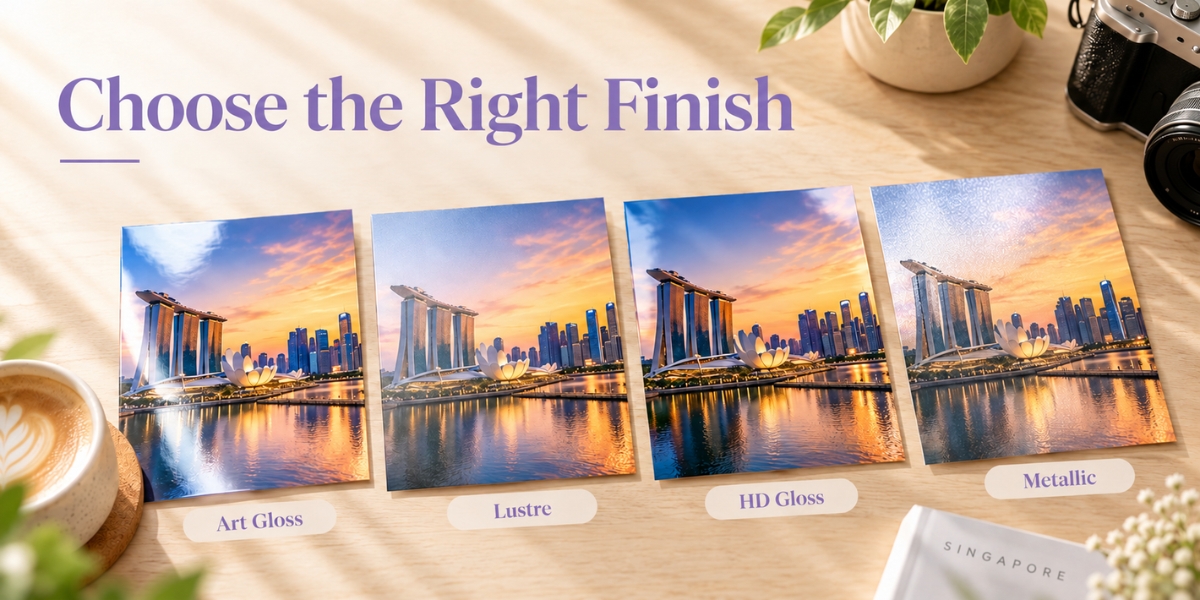
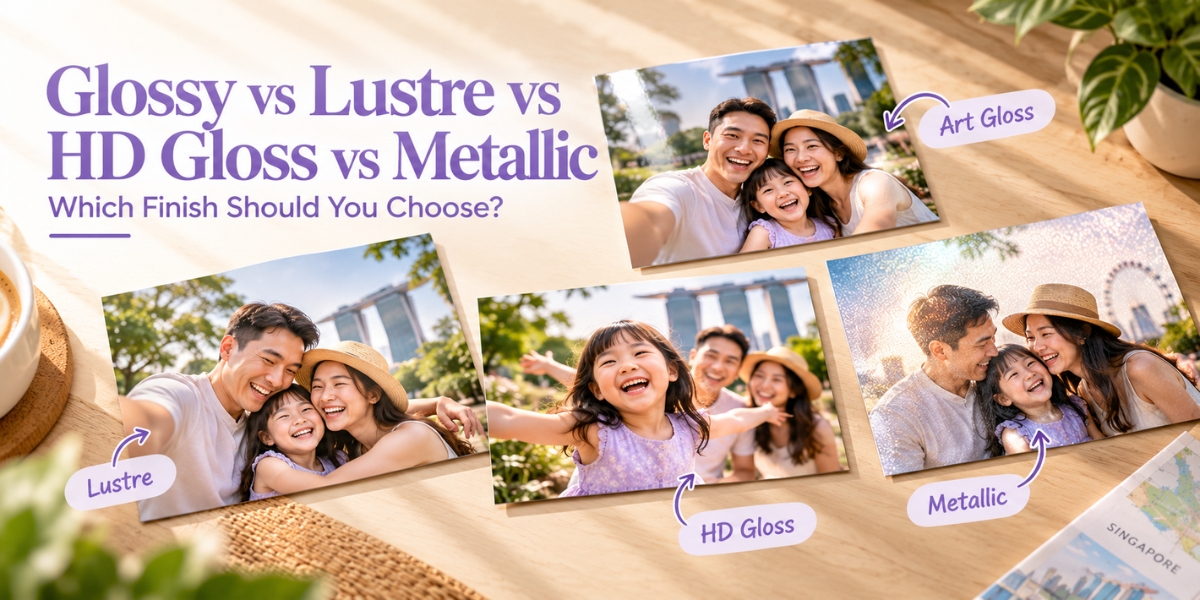
Photojaanic lists Art Gloss under Standard paper and Lustre, HD Gloss and Metallic under Premium paper for Photo Prints.
| Finish | Appearance | A useful starting choice for |
|---|---|---|
| Art Gloss | A glossy surface | Everyday albums and loose prints |
| Lustre | A softer sheen between matte and gloss | Portraits and photos handled frequently |
| HD Gloss | A high-gloss look | Bright travel scenes and colourful photos |
| Metallic | A shimmering appearance | Selected images where you want a distinctive effect |
The best choice depends on your photo and how you will display it. Lustre is worth considering if you prefer a softer sheen; gloss suits a shiny presentation. Glass in a frame can still reflect light, regardless of the paper finish underneath.
If you are printing an important collection and have not tried the paper before, consider a small sample order before committing to a larger batch.
How much does 4R photo printing cost in Singapore?
Check the current 4×6 price on the product page after selecting your paper finish and quantity. Premium finishes and promotional conditions can change the amount you pay.
Compare the complete order total, including applicable taxes and shipping, rather than the unit price alone. Photojaanic’s product specifications state that displayed prices exclude taxes and shipping.
For a school project, wedding display or company event, use the bulk order enquiry page. Share the size, finish, quantity and date you need the prints so the team can advise you.
How to order 4R photo prints from Photojaanic
1. Open the Photo Prints product page.
2. Select 4×6 and your preferred paper finish.
3. Click Start Customizing and upload your prepared photos.
4. Review each image’s crop, orientation and quantity.
5. Check your delivery details, applicable offer conditions and final total before paying.
The product page currently lists standard delivery at 5–11 business days, as an estimate. For a birthday, graduation or event deadline, confirm timing with customer care before placing your order.
Simple ways to use your 4R prints
Make a family album with one section for each month, collect your favourite holiday moments in a scrapbook, or choose a few portraits for small desk frames. For a graduation or anniversary, a set of printed photos can become a keepsake you share with family.
If you are planning a display at home, browse these photo wall ideas. Measure your space before deciding how many prints to order.
Frequently asked questions about 4R printing
Will a 4R print fit a 4×6 frame?
It should fit a frame designed to hold a 4×6-inch photo. Check the photo opening and any mount or mat, because these can cover the edges of the picture.
Can I print phone photos at 4R size?
Yes, provided the file has enough detail for the result you want. Check its shape, sharpness and pixel dimensions after cropping. Use the original file whenever possible.
Is 4R photo size suitable for a passport photo?
4R is a general photo-print size, not a passport-photo specification. Follow the requirements of the relevant issuing authority for an identification photo.
Does choosing a premium finish fix a blurry photo?
No. A finish changes the print’s surface appearance. It does not correct missed focus, motion blur or missing image detail.
Can I print the same image in portrait and landscape?
You can prepare both orientations, but each needs its own crop. A portrait crop may remove important details from a wide group photo, so check both versions carefully.
Ready to print your favourite photos?
Choose your photos, prepare the 4×6 crop and review every image before ordering. A little preparation helps keep the people and details you care about in the picture.
Create your 4R photo prints, or compare the full range of online photo printing in Singapore to find the right format for your memories.
Photojaanic |




Be the first one to comment